Grow on YouTube in 3 EASY Steps With TubeSpanner's POP Flow

One Idea. One Flow. One Upload.

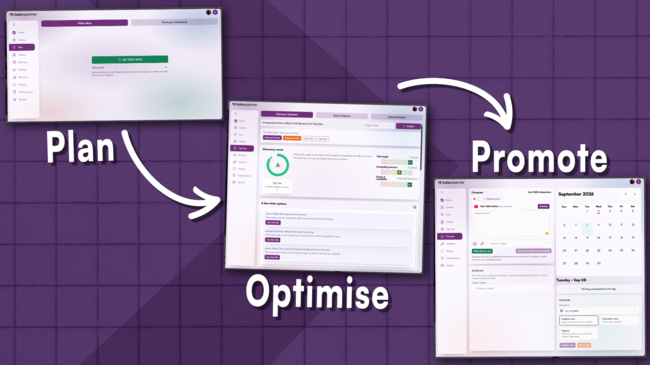
Most creator tools hand you a piece of the puzzle and leave you to figure out the rest. POP Flow was built to close that gap. It stands for Plan, Optimize, Promote. Three steps that used to live separately in TubeSpanner and now move together, from your first idea to your finished upload.

TubeSpanner's POP Flow
Ike

Heading
Where TubeSpanner's POP Flow Comes From

Body

The Pop Flow came out of a single observation. TubeSpanner's ideas tools worked, but it didn't provide creators an easy next step. There weren't anything that said "click here to do this next" or "this is step 2". 

Once that was flagged, Danielle (CEO of TubeSpanner) went back and mapped out how a creator actually moves from "I need a video idea" to "this video is live", then built the connective tissues to match.

The result is a workflow that treats video creations as one continuous process instead of separate tools you happen to use in sequence.

Heading
Step One: Plan

Body

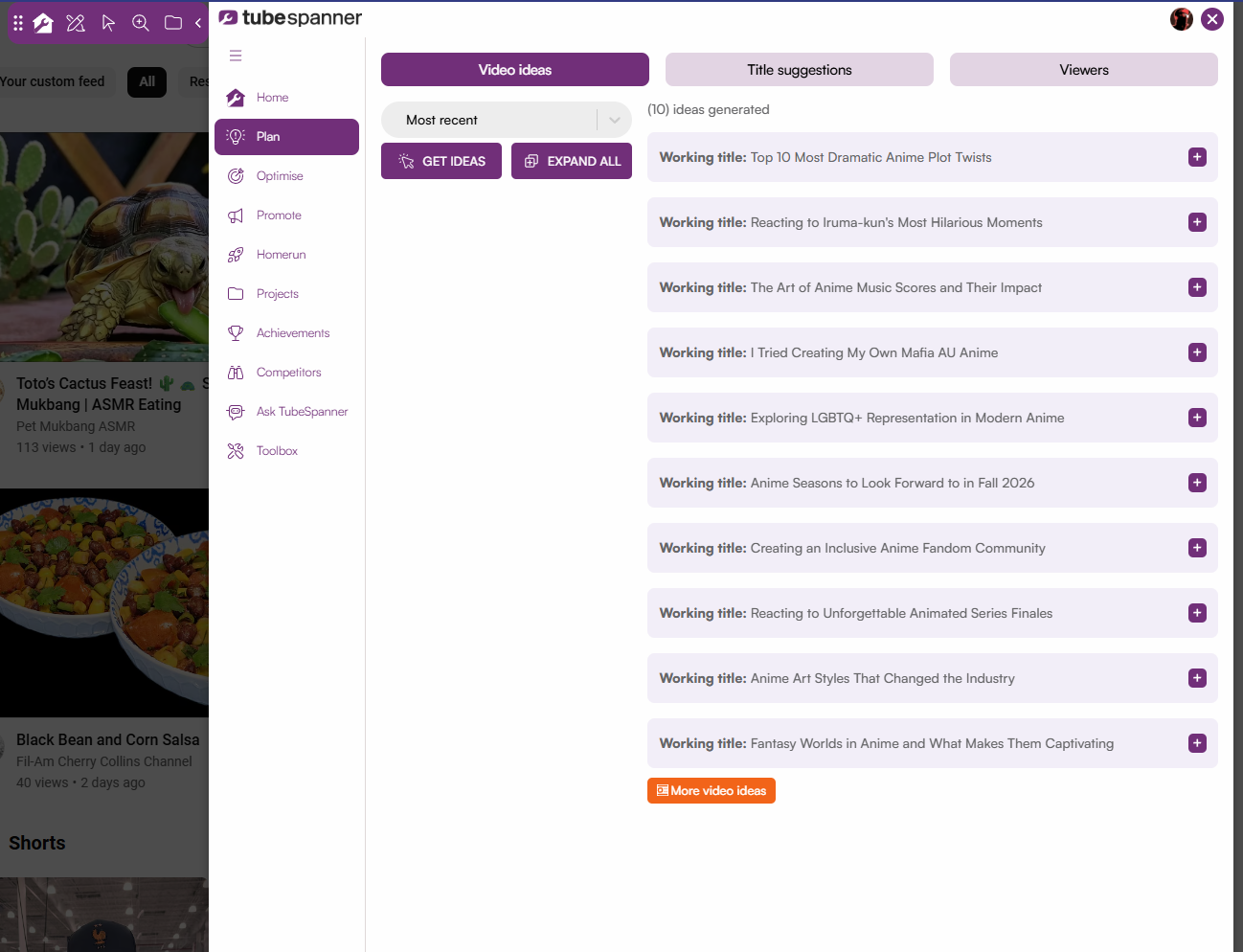
The POP Flow starts with Video Ideas. The process is simple. Install the TubeSpanner browser extension and connect your YouTube channel to TubeSpanner if you haven't yet.

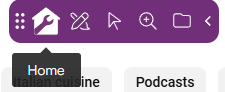
Click on the home icon to open up the browser extension, then click on Plan. 
It'll take you directly to Video ideas where you can simply click on the "Get Ideas" button to generate 10 video ideas, but this is only the beginning.
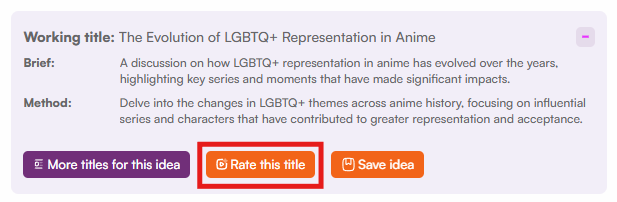
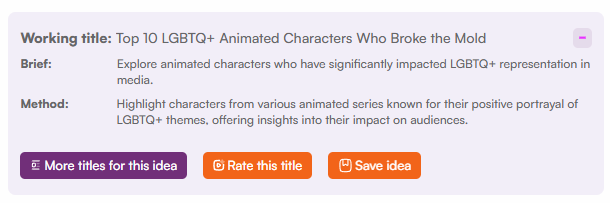
Every idea comes with three parts, and understanding the difference matters:

  • Title - what the video is called
  • Brief - the value proposition, or what the viewer gets out of clicking
  • Method - the format, like a review, an unboxing, a tutorial, etc.
Ideas are built around your audience, and TubeSpanner takes that into account with Viewer Analysis. Once TubeSpanner analyses your channel, you'll be able to see your most recent audience, the ones who watches your videos the most, and those are who the most engaged.

Free users get 30 ideas a month, generated from your current audience. Paid plans go further, letting you choose custom audiences and even target who you want to reach, not just who's already watching.

Ideas aren't limited to long-form either. The same idea can become a Short, a livestream, or a social post, depending on what fits your channel.

Tip

Image
Tip

Title
Why the brief matters.

Body

With millions of videos competing for the same click, the brief is your answer to the viewer's real question: what's in it for me? Get that wrong and no title will save you.

Heading
Step Two: Optimize

Body

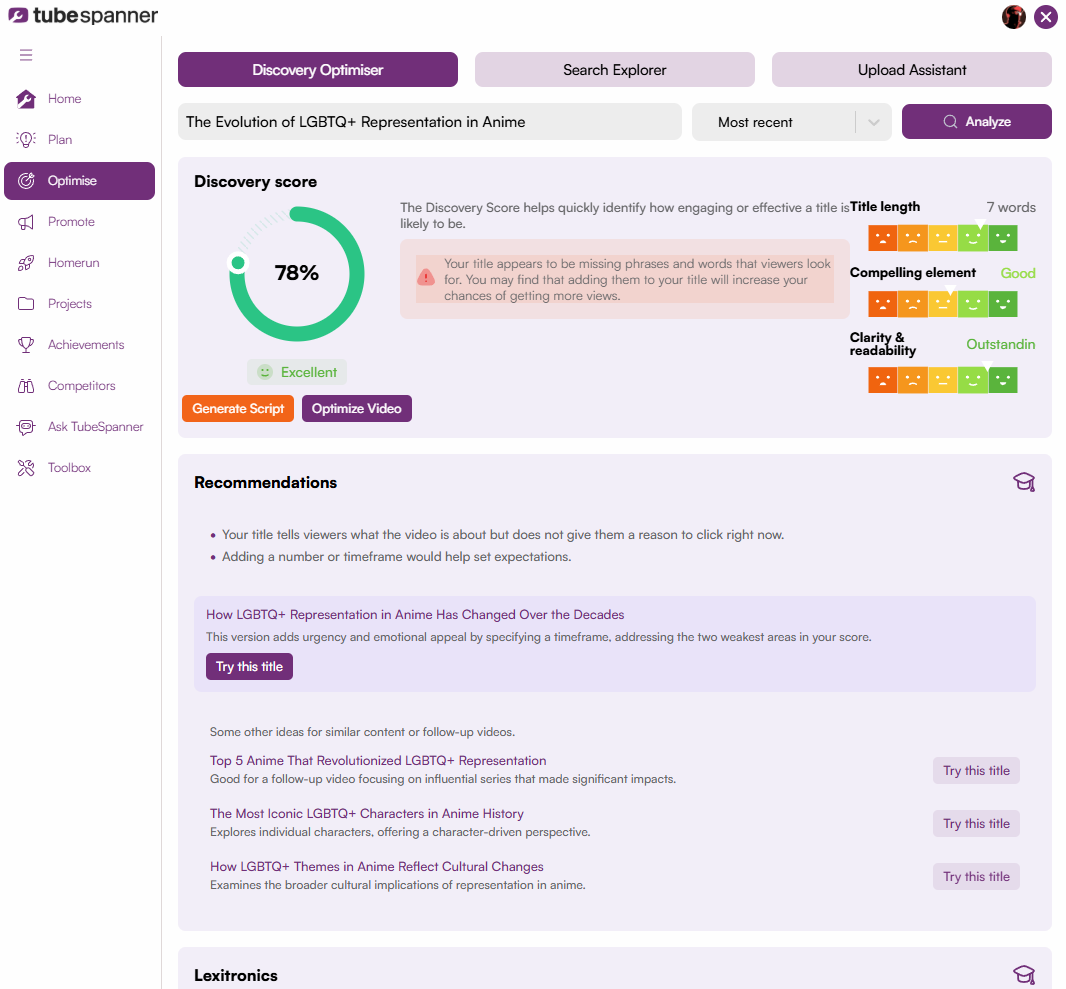
Once you've picked an idea, POP Flow moves into optimization with the Discovery Optimizer and Search Explorer. You can easily head to the next step by clicking on the "Rate this title" button.

Titles get scored against two contexts: how likely they are to get suggested or surfaced on the homepage (Discovery Optimizer), and how they'd perform in search (Search Explorer). 

The scoring isn't a claim to know YouTube's algorithm. It's built on the same signals YouTube itself tends to reward such as clarity, an obvious payoff, and language that's easy to read and act on.

It's also worth remembering that the score is a guide, not a verdict. If your instinct disagrees with the number, that instinct still counts for something.

Note

Image
Note

Title
Good Enough Beats Perfect

Body

The gap between a great title and a "perfect" one is small. Chasing the last few points of a score usually costs more time than it earns in clicks. The goal is consistency, not perfection. Hit a solid score and move on to making the video.

Heading
Step Three: Promote

Body

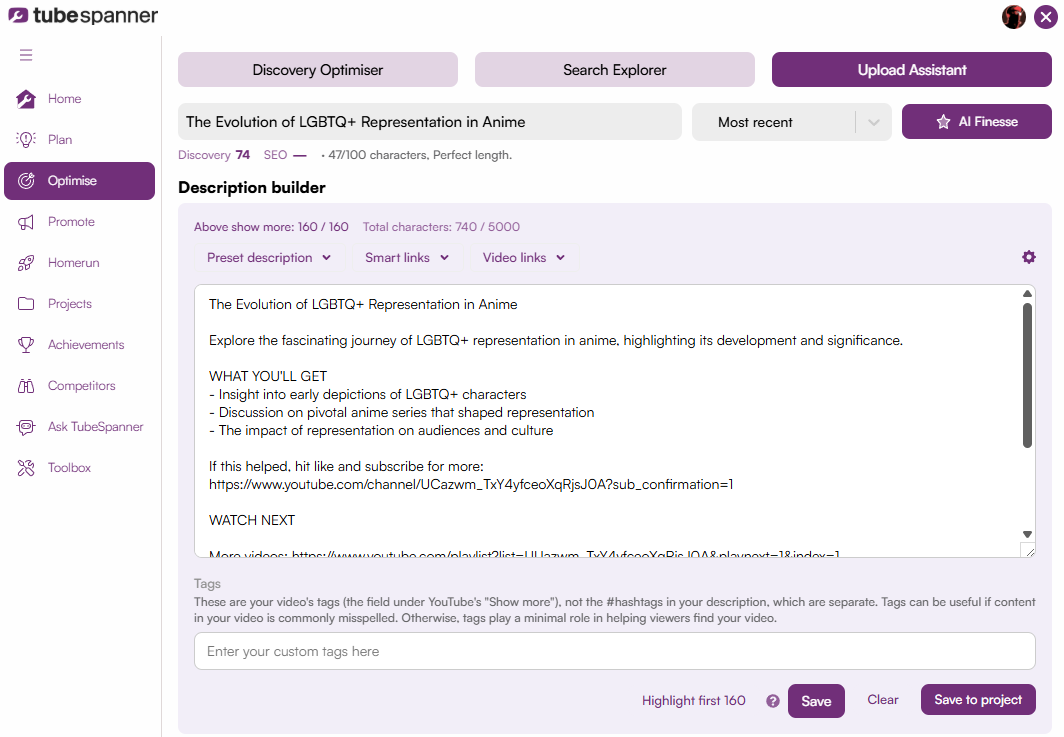
The final stage takes everything gathered in Plan and Optimize and turns it into a ready-to-use description and upload package. To do this, click on "Upload Assistant" once you're done optimizing, and you'll find the title has been moved over.

Here, you can work on your description with one of TubeSpanner's presets, smart links, and video links.

Alternatively, you can click on "AI Finesse" and TubeSpanner will generate a full description in one click, using the title and brief created earlier in the flow. Nothing here is meant to be used as-is. It's a starting point you edit and shape into your own voice.

A few details worth knowing:

  • Links to your own past videos can be added directly, without hunting through your channel
  • Elements like affiliate links and "watch next" recommendations update dynamically across videos
  • Hashtag and subscribe-prompt suggestions are included automatically

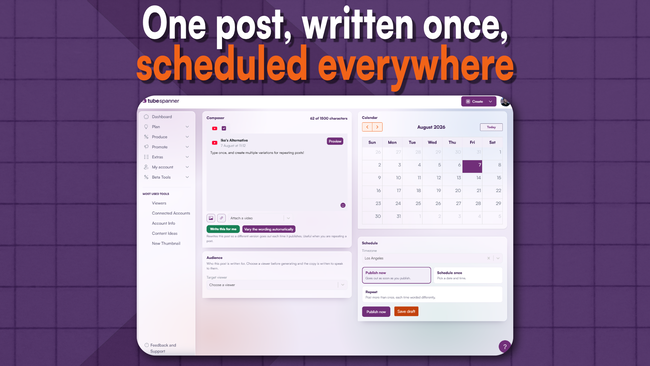
From there, the last step is to save your project and apply it once you upload your video.

Note

Image
Note

Title
Why the steps are connected

Body

With the POP Flow, no feature is left behind. Plan, Optimize, and Promote no longer require you to start over at each stage. An idea generated in the first step carries its context all the way through to upload, instead of getting lost between tools.