YouTube Shorts Custom Thumbnails Are Rolling Out to Desktop.

Custom Shorts Thumbnails Are Coming Back to Desktop

YouTube pulled custom Shorts thumbnails early on, arguing the Feed didn't need them. Creators pushed back for years, and now they're returning, starting with desktop.

TubeSpanner Vertical Thumbnail Editor
Ike

Heading
A Quick History: Why Shorts Thumbnails Disappeared

Body

YouTube's original logic made sense at the time. In the Shorts Feed, viewers auto-play through videos in seconds. A thumbnail never gets seen if the video is already playing full-screen.

So YouTube removed the ability to set one, and creators lost that layer of control for years.

Heading
What's Changing Now

Body

Although YouTube removed the option to set custom thumbnails for Shorts on Desktop, they eventually allowed creators to upload custom thumbnails again... but only on the YouTube mobile app. Note, the YouTube mobile app is not the same as the YouTube Studio app.

This is now changing.

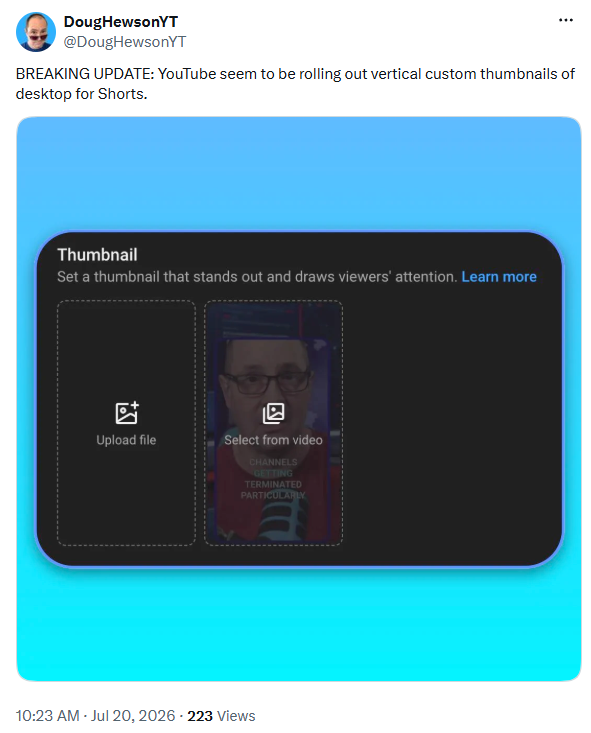
Creator Doug Hewson (@DougHewsonYT) shared screenshots showing vertical custom thumbnails rolling out on desktop, though YouTube hasn't made an official announcement yet.

Heading
How to Check If You Have Access

Body

1. Open YouTube Studio.

2. Click Content, then the Shorts tab.

3. Select a Short and click Edit.

4. Scroll to Thumbnail and look for an upload option.

If you don't see it, the rollout likely hasn't reached your account yet. This is the kind of feature YouTube tends to expand gradually, so check back periodically.

Heading
Get Your Vertical Thumbnail Ready Now With TubeSpanner

Body

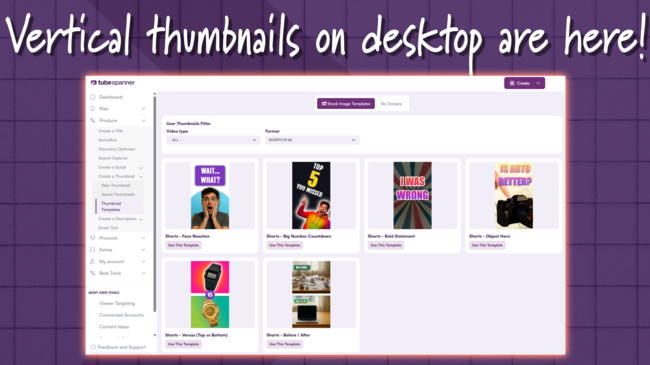
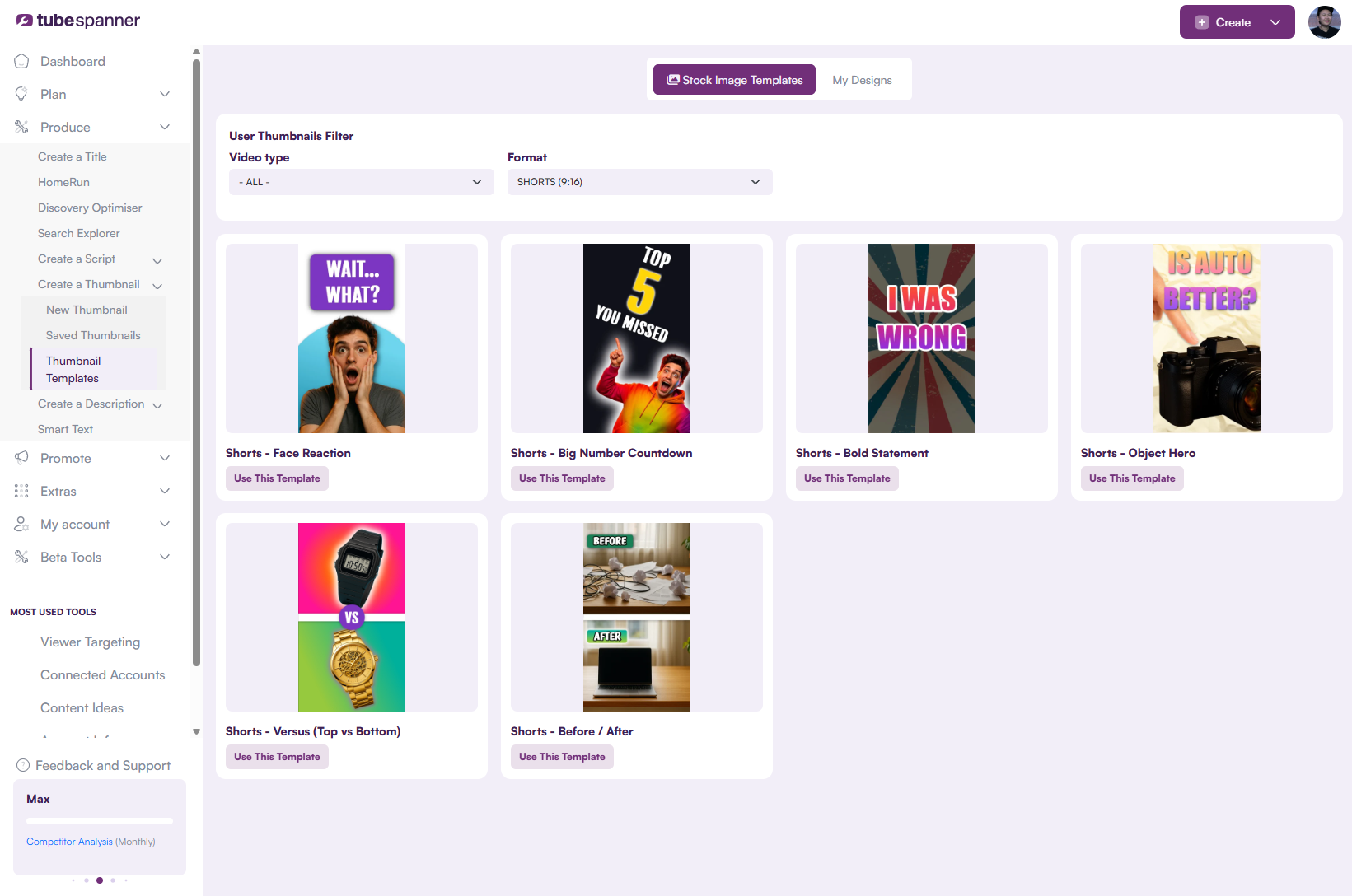
TubeSpanner's Thumbnail Editor already supports the 9:16 Shorts format, including templates like Face Reaction, Before/After, and Bold Statement, so you can have a vertical thumbnail ready the moment your account gets access. Or if you're impatient, you can download the thumbnail on your phone and upload it through the YouTube mobile app.

To access the Thumbnail Editor, head over to the TubeSpanner dashboard. Click on Produce, then Create a Thumbnail. You should then see a drop-down menu. If you want to create a thumbnail from scratch, then click on "New Thumbnail."

From here, move your mouse to the top middle and click on the canvas size. You should see the option for "YouTube Shorts" and it'll change the canvas for 1080x1920.

Not sure what sort of thumbnail you should make for Shorts? TubeSpanner already has templates made for you! 

The process is the same as before, but instead of clicking on "New Thumbnail", click on "Thumbnail Templates" instead.

Heading
Why Thumbnails Matter for Shorts Again

Body

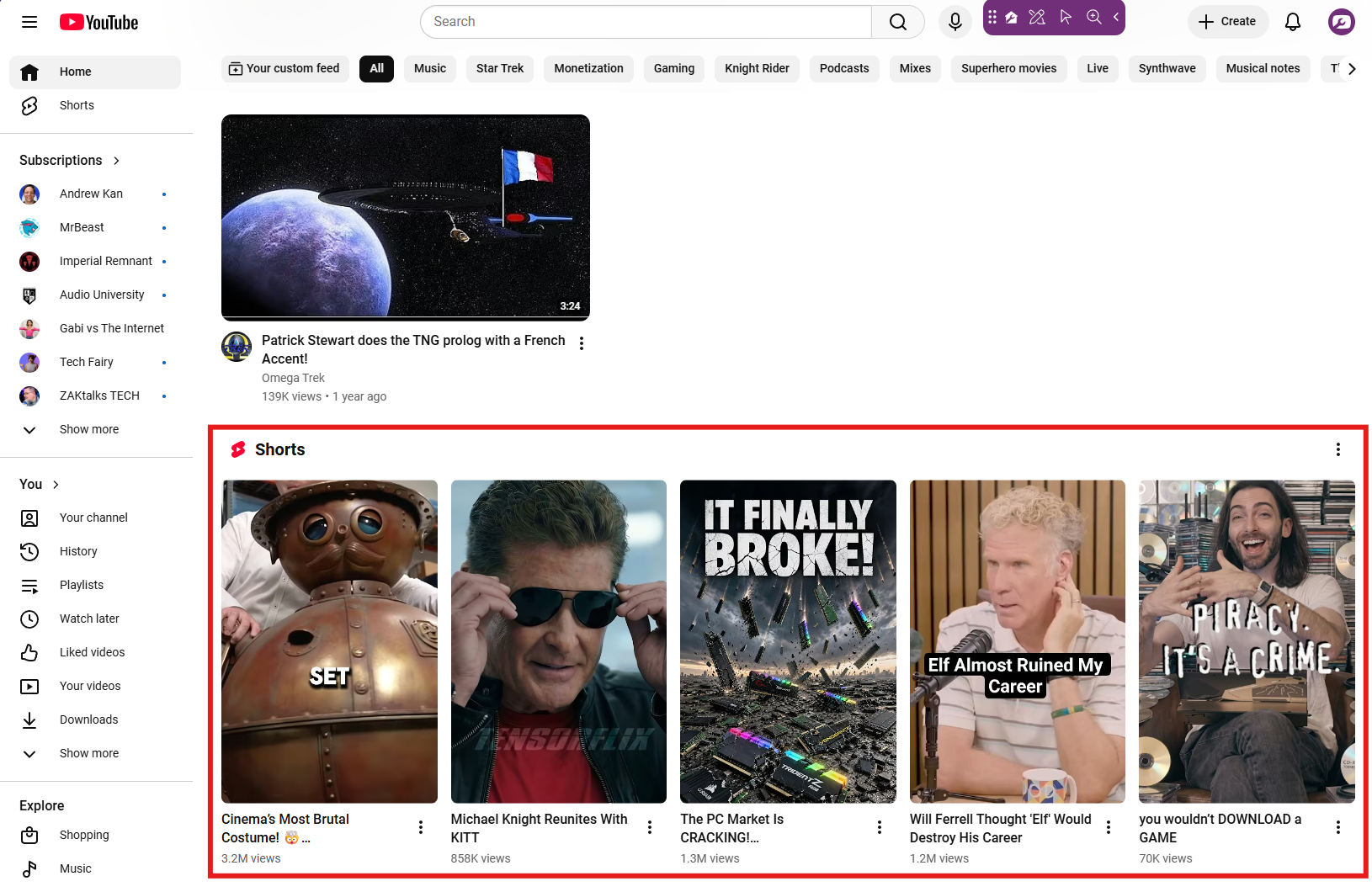
The Feed logic hasn't changed. What's changed is where Shorts now show up. Search results, the Home page, and Browse surfaces all display Shorts as a static thumbnail before a viewer taps to watch. Unlike the Feed, these placements need to earn a click first. That's the gap custom thumbnails fill.

Title
Design Your Shorts Thumbnail Before You Need It
Body

Vertical custom thumbnails are rolling out slowly, so having one ready ahead of time means you're not scrambling once your account gets access. TubeSpanner's Thumbnail Editor includes Shorts-ready templates in the 9:16 format, from Face Reaction to Before/After, so you can build one in minutes.