Now that you know the reason why you're starting the channel, what niche you're doing, and your identity, it's time to set up your channel.
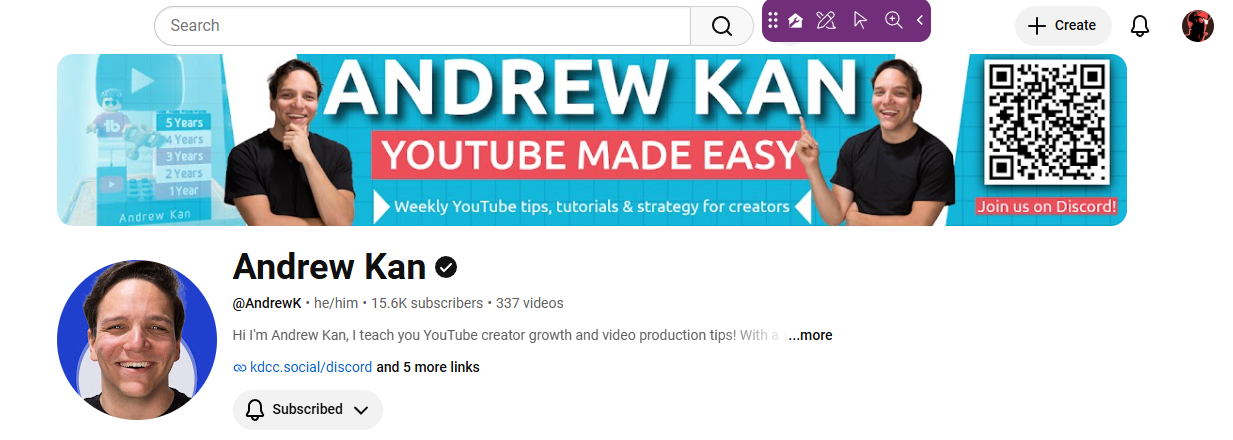
Head into YouTube Studio and click on the Customization tab. Here, you'll be able to customize your banner, profile picture, channel name, handle, pronouns, channel description, links, contact info, and video watermark.
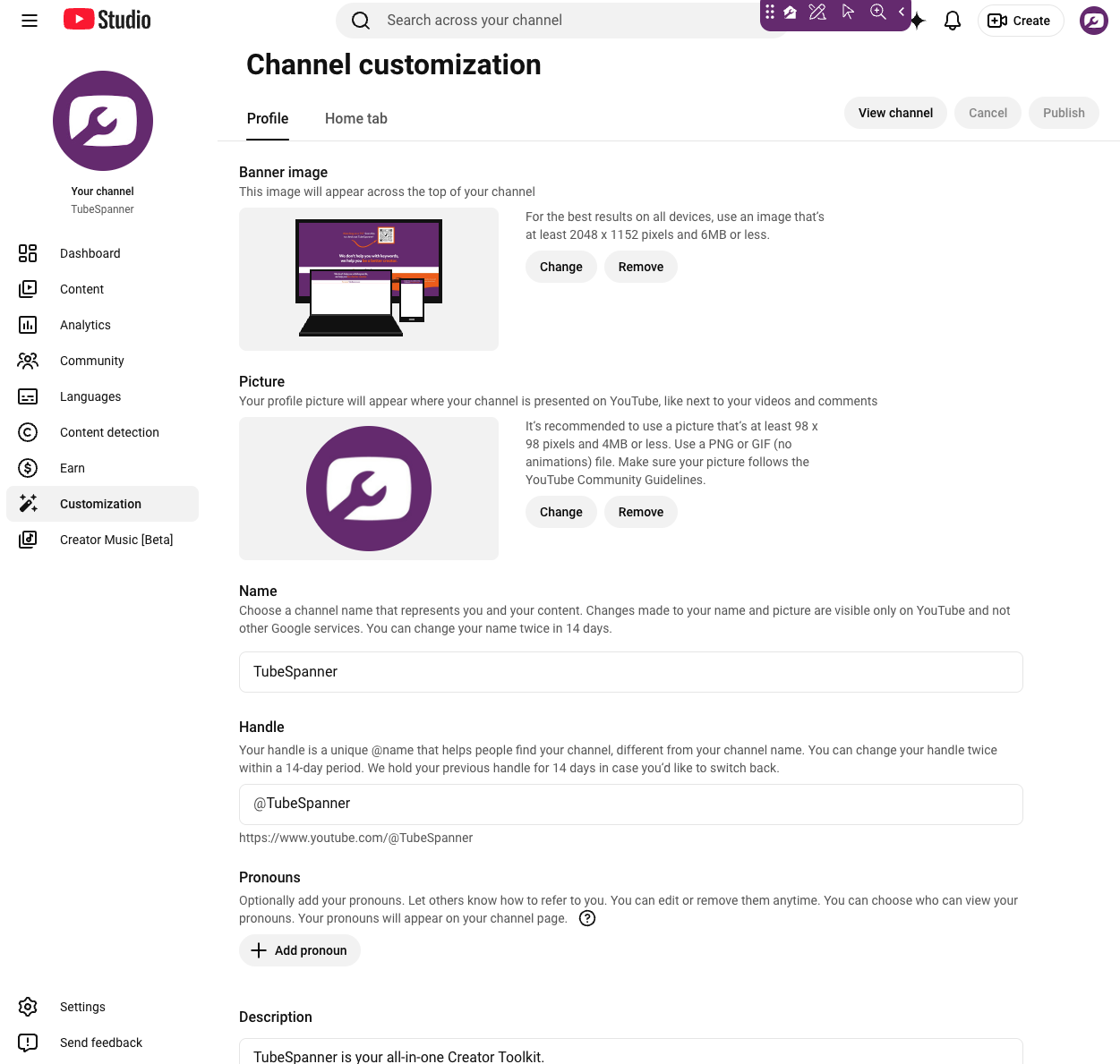
1. Your channel banner should convey the following:
- Your channel name
- What your channel's about
- How often you upload / Your upload schedule
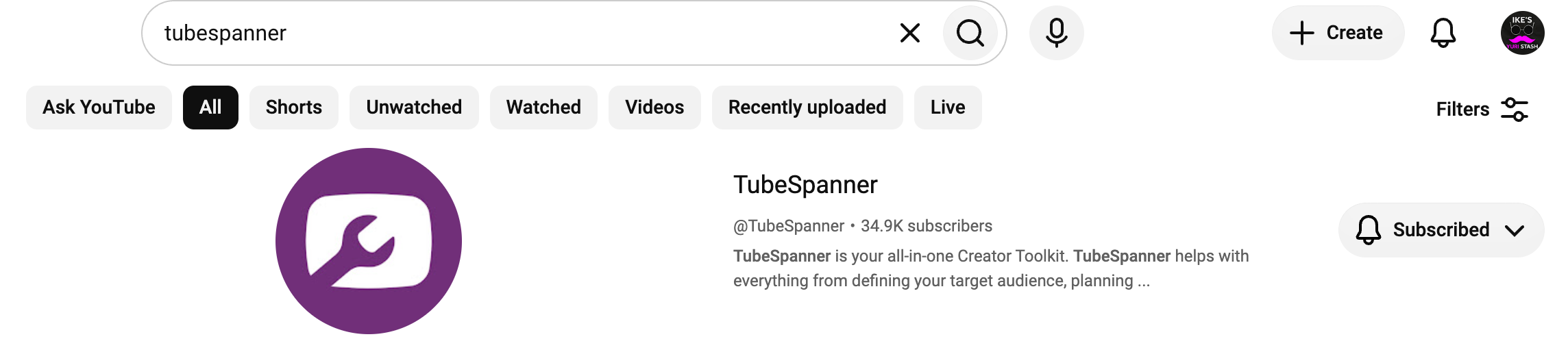
2. Your profile picture should complement your banner, but it should also stand out in search and in comments.
3. We've discussed how your channel name should be in step 3 (memorable and searchable).
4. Your handle should be the same or similar to your channel name.
5. Pronouns are optional, but feel free to add in what you want people to call you as.
6. Your channel description is where you can explain to both YouTube and viewers what your channel is about. However, the first two lines of your channel description should mention your channel name and niche. A lot of creators don't know about this, and would type is whatever comes to mind.
7. You can add more than 10 links, but only one can be clicked directly from your channel while the others will be put in a pop-up box. So your first link is very important, whether that'll lead to your membership, a subscribe button, or a link-in-bio.
8. Your contact info should NOT be the same email you use for your YouTube channel. This is an easy way for hackers/scammers to gain access to your account. Instead, create a separate email.
9. Your video watermark can be your profile picture if you don't have a custom watermark yet. We recommend you set it to show throughout the entire video.