


It doesn't matter if you think your thumbnail looks fire because the viewers might not reciprocate. What matters in a click-worthy thumbnail comes down to four things.
Clarity at a glance.
If a viewer can't tell what your video is about in under a second, you've lost them. There are MILLIONS of videos for them to look at, and you only get a fraction of a second to catch their attention and your idea needs to be communicated in an instant.
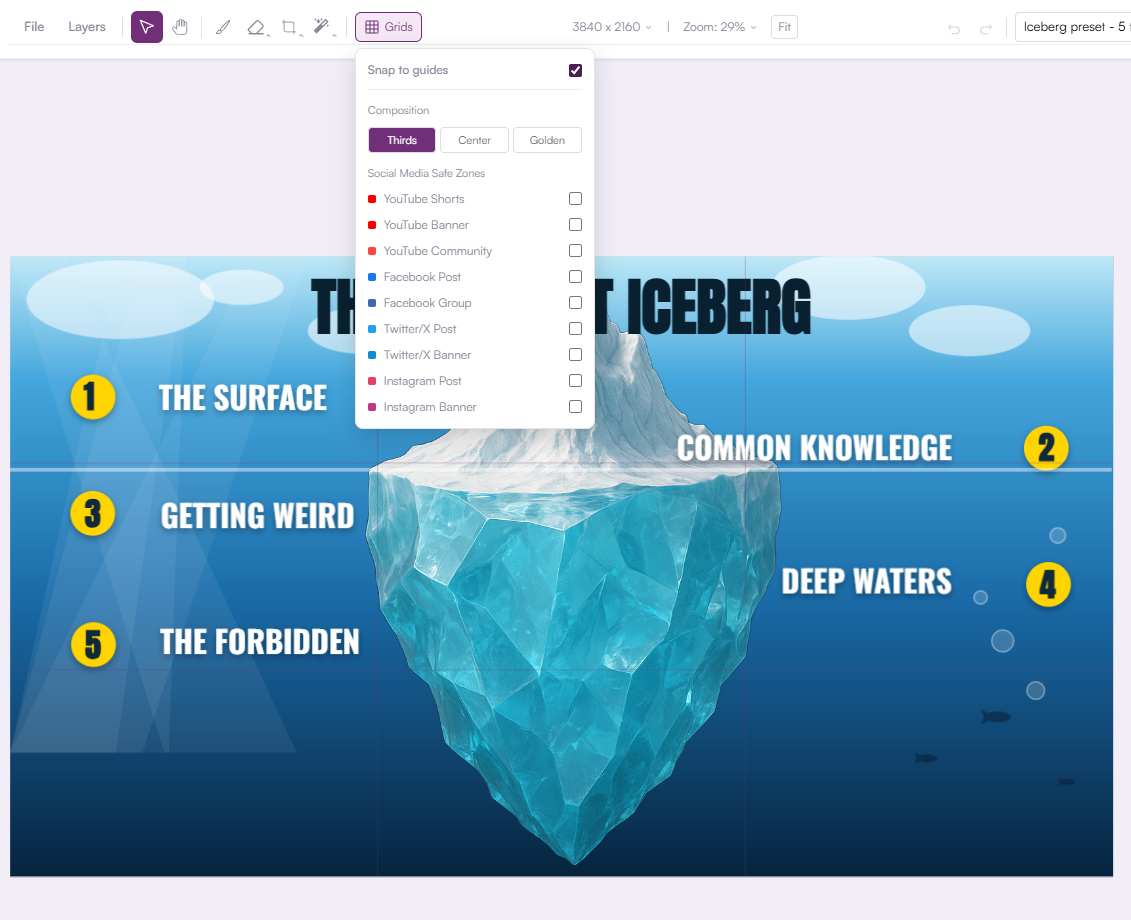
This means your thumbnail should be bright, not dark. A darker background with a poorly-lit subject can make it difficult for viewers to see and understand the thumbnail.
Contrast.
Your thumbnail needs to visually separate from the sea of other thumbnails around it. Different colors, different composition, something that breaks the pattern.
One focal point.
Busy thumbnails lose. Remember, you only have a fraction of a second before viewers move on to the next thumbnail. Pick a single subject (or two if you really need to)--a face, an object, a bold text hook--and build everything else around it.
Expression over decoration.
A real reaction (surprise, curiosity, tension) reads faster than any graphic element you can add. If you're not on camera, then you could use stock images, emojis, character images (as long as it's not subject to copyright).
None of this is about talent, or creating an amazing looking thumbnail. It's about knowing what to leave out.
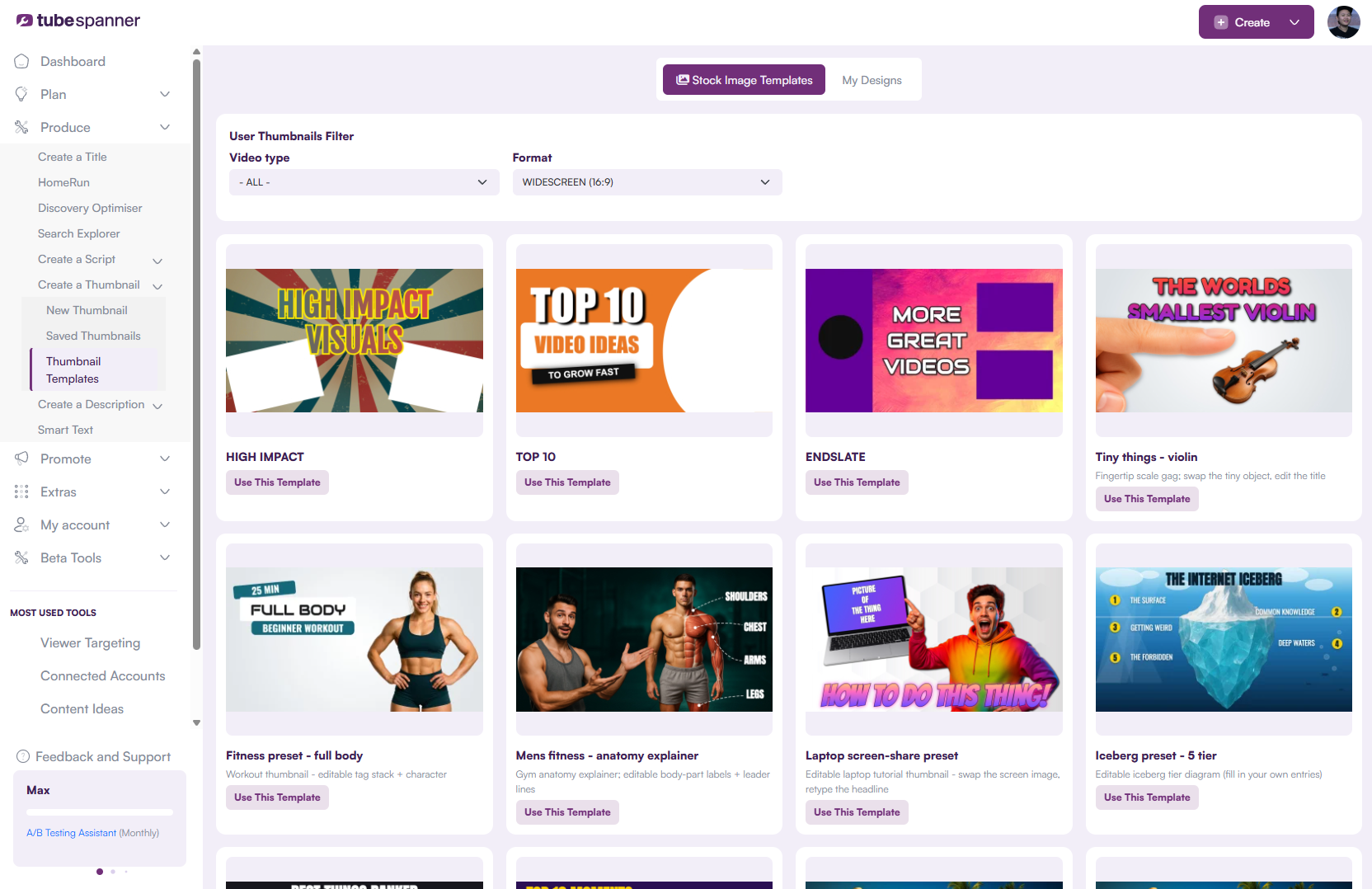
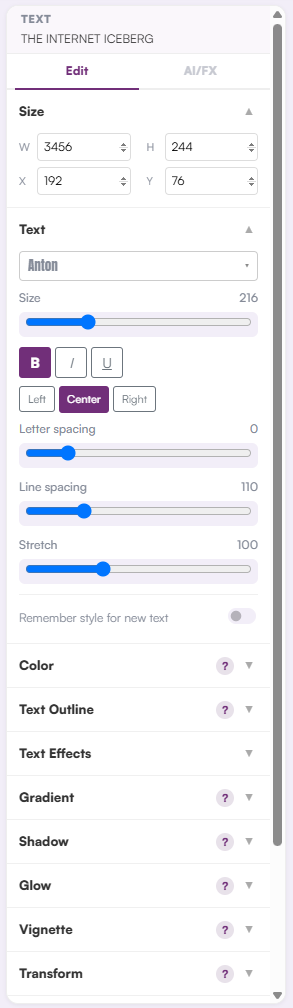
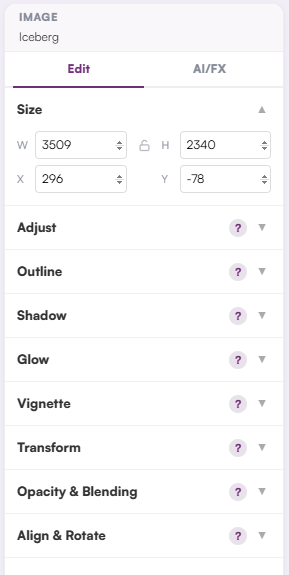
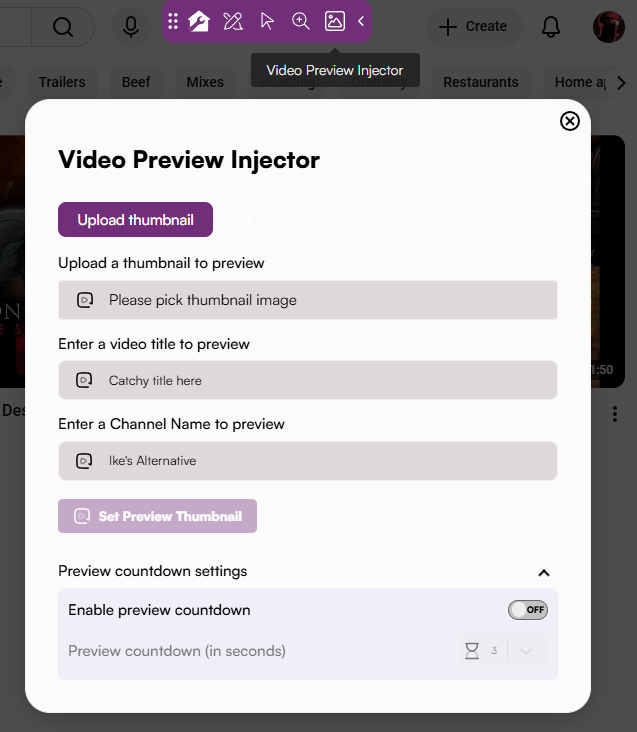
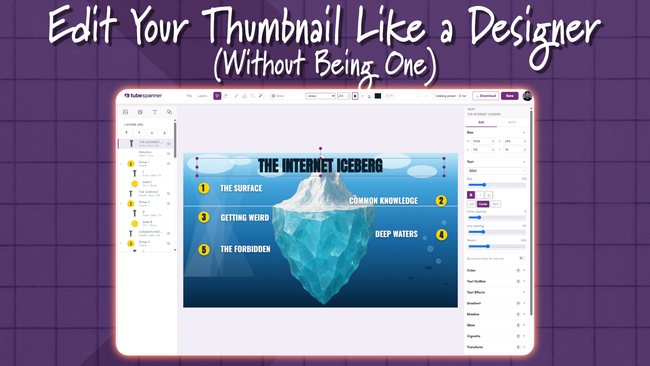
Now, this is great and all, but where do you even start? What thumbnail editor should you use? There are dozens of options out there, and most of them either overwhelm you with tools you'll never touch or box you into templates you can't actually customize. What you want is something that's easy enough to move fast and with enough control to make it yours.