
Link-in-Bio: A Free Bio Page Built for YouTube Creators

A single profile link goes stale every time you publish.

Most social platforms only allow one link in a profile, forcing creators have to choose what that link points to. And unfortunately, it falls behind as new videos go up. A link-in-bio page removes the choice by holding several links in one place. The difference between tools is whether that page stays current on its own.

TubeSpanner Link-in-Bio
Ike

Heading
One link for everything you do

Body

Most platforms allow one link in your profile. That forces a choice every time you upload: update the link, or leave it pointing at something old.

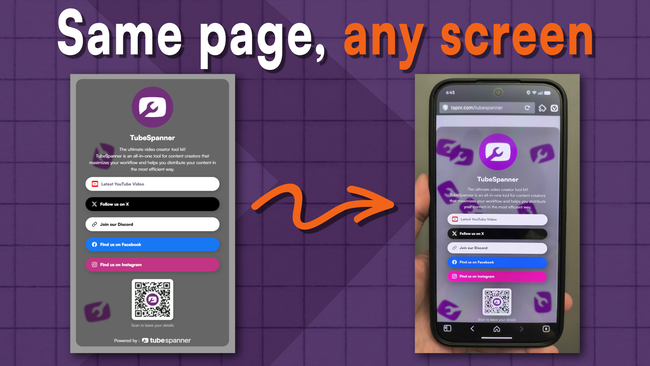
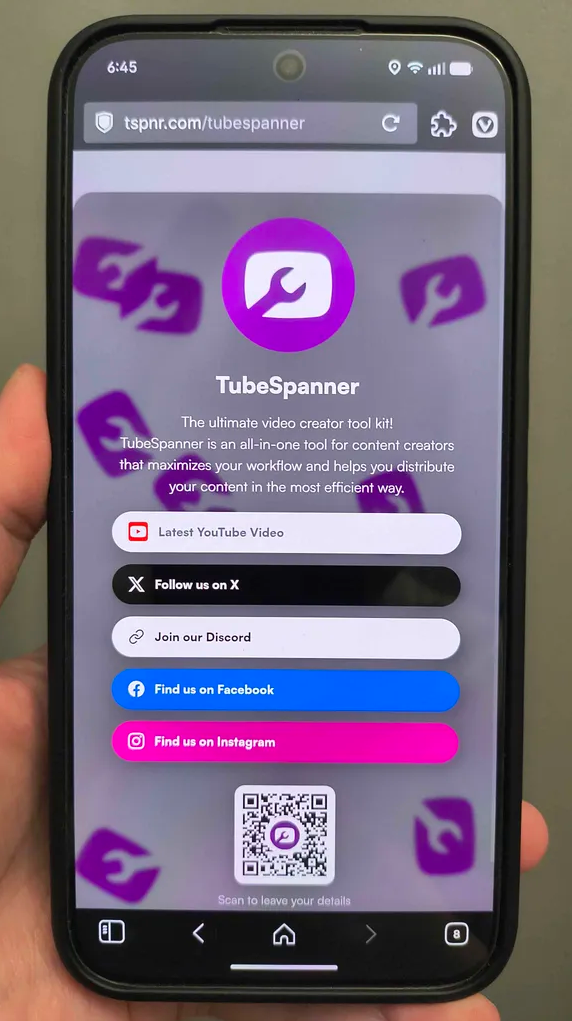
A Link-in-Bio page is one address you set once and share anywhere a single link is allowed. Social profiles, video descriptions, channel banners, email signatures. Visitors land on one page with your channel, your platforms, and your newest video.
A standard link-in-bio page is a list you maintain by hand. Link a video there and it stays that video until you go back and change it.

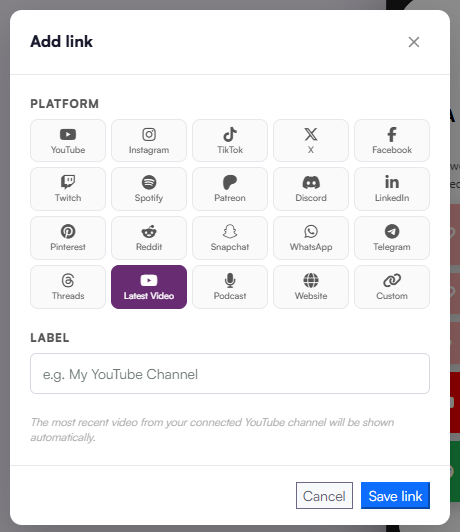
Link-in-Bio has a Latest Video link. Add it once with your YouTube channel link, and it points to your newest upload from then on. The link you posted in your Instagram bio months ago still sends people to what you published this week.

This is the major difference between Link-in-Bio and a generic link-in-bio tool. Your page keeps up with your channel instead of falling behind it.
Heading
Add every platform from one panel

Body

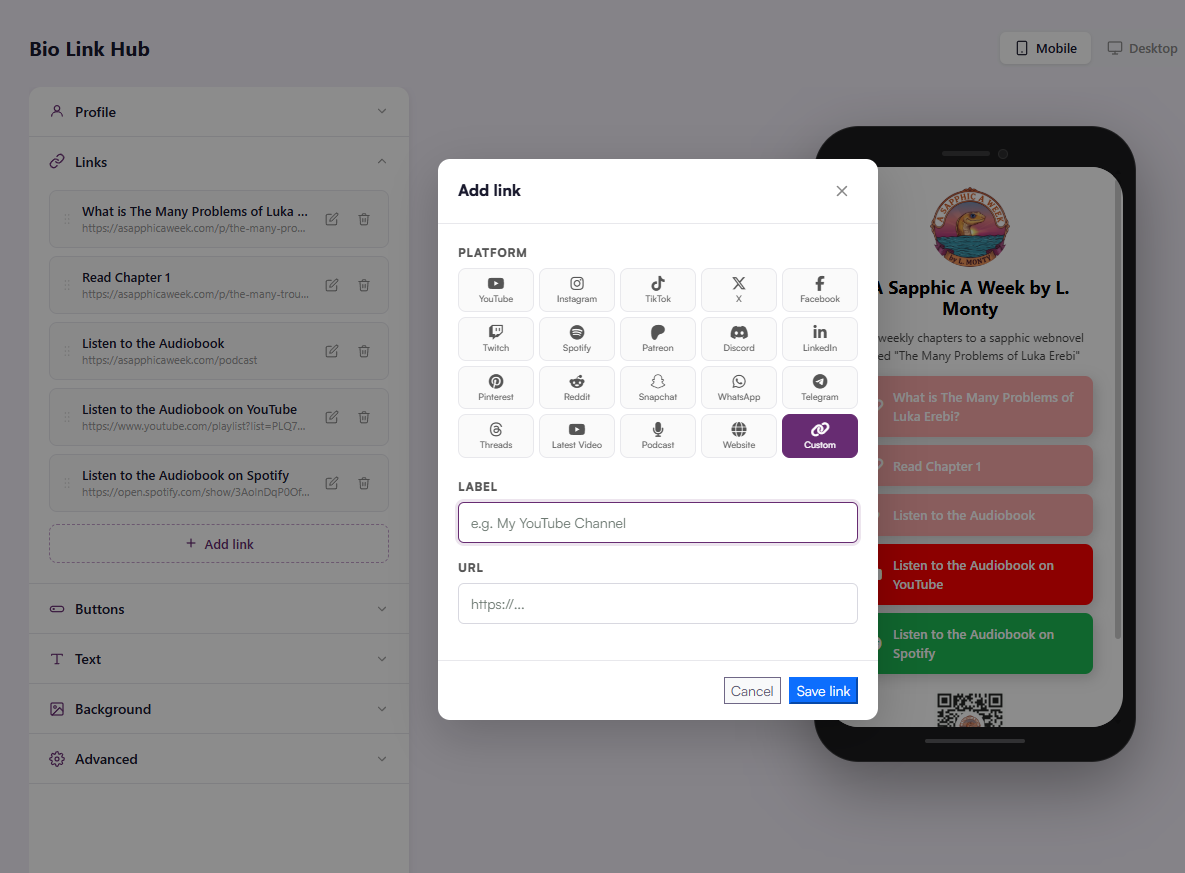
Open the Links tab and click to add a link. The Add link panel has presets for YouTube, Instagram, TikTok, X, Facebook, Twitch, Spotify, Patreon, Discord, LinkedIn, Pinterest, Reddit, Snapchat, WhatsApp, Telegram, Threads, Podcast, and Website.

Two options cover everything else:

  1. Latest Video takes your YouTube channel link and points to your newest upload.
  2. Custom takes any label and URL. Use it for a store, a newsletter, a Patreon tier, or a specific playlist.

Pick a platform, add a label and the URL, then save.

Heading
Set up your profile and preview it

Body

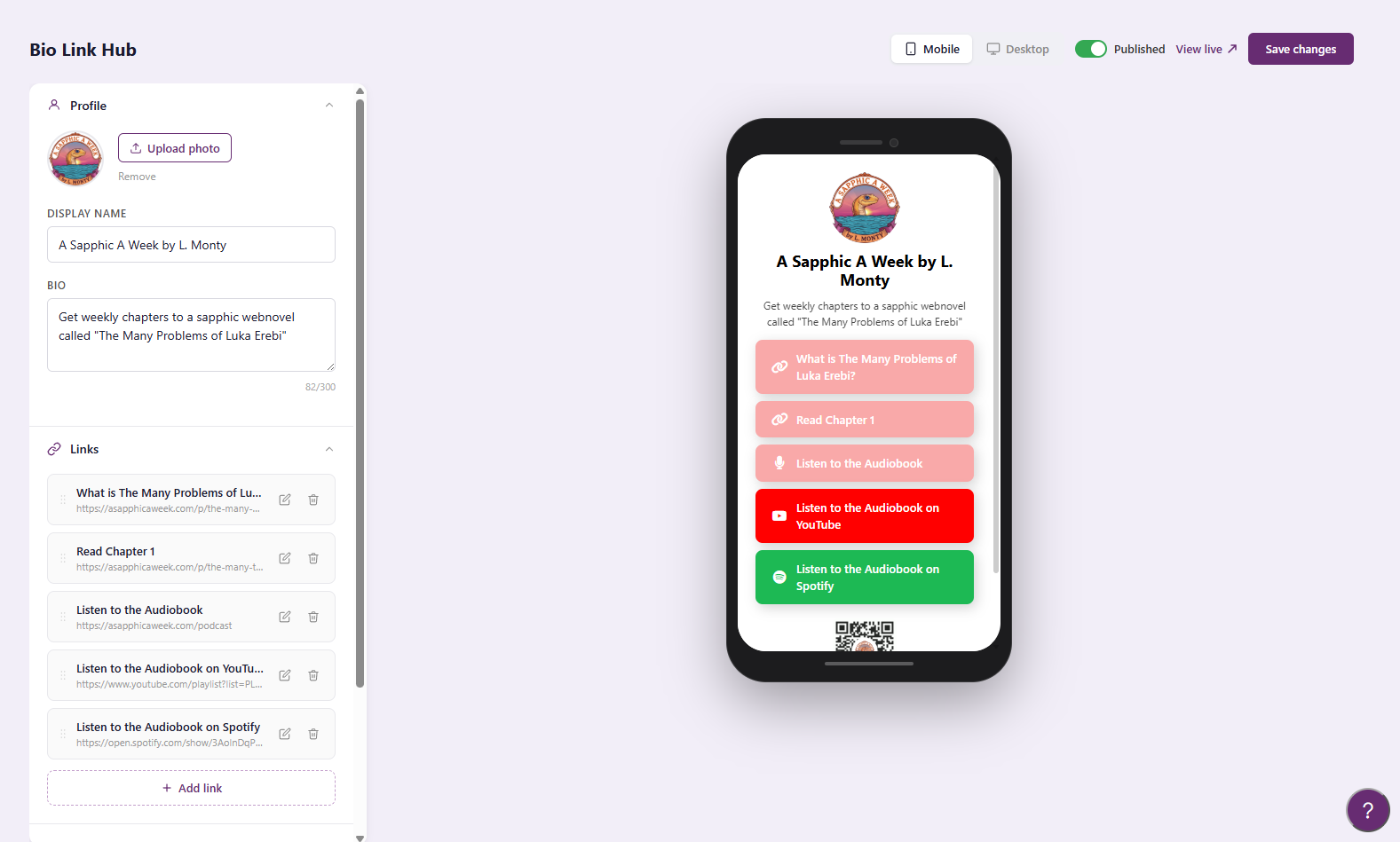
The Profile section holds your photo, display name, and a bio of up to 300 characters. Links and Buttons sit below it.

Switch between Mobile and Desktop preview to check the layout before you share it. The Published toggle controls whether the page is live, and View live opens the public version.


Heading
A QR code for places a link can't reach

Body

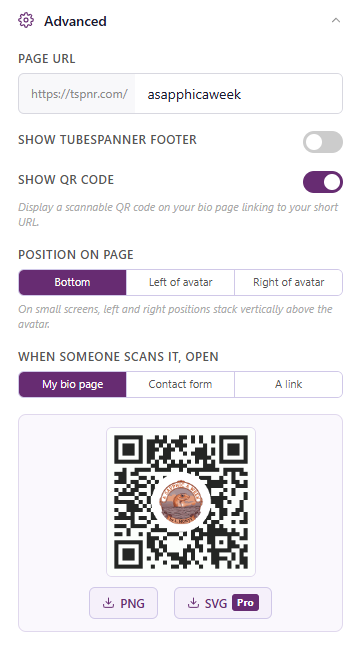
Turn on Show QR Code and your Link-in-Bio page displays a scannable code that opens your short URL. Your profile image sits in the centre, so people will know it's yours.

A link only works where people can click it. A QR code covers the rest:

  1. On camera, in a talking-head video or a livestream overlay
  2. On merch, stickers, and business cards
  3. On slides or a table sign at a meetup or convention
  4. On printed flyers and posters

Download the code as a PNG from the QR code panel so you can take it with you anywhere. SVG download is available on Pro. SVG scales to any size without losing sharpness, which matters for banners and large prints.

Heading
Choose where it sits and what it opens

Body

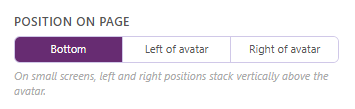
Position on page sets where the code appears: Bottom, Left of avatar, or Right of avatar. On small screens, the left and right positions stack above the avatar.

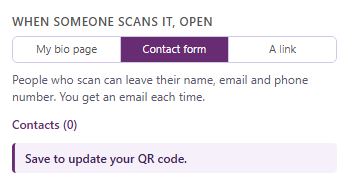
When someone scans it, open sets the destination. Each option suits a different use:

  1. My bio page. The default. Good for merch and print, where you want people to find everything.
  2. Contact form. People who scan leave their name, email, and phone number, and you get an email for each submission. Useful at events where you meet viewers, collaborators, or sponsors in person. TubeSpanner's own Link-in-Bio page uses this option.
  3. A link. Sends scanners straight to one destination, such as a specific video, a giveaway, or a sponsor offer.
Title
Set up your Link-in-Bio page
Body

Already paying for a link-in-bio tool? Link-in-Bio is part of your TubeSpanner plan, so the separate subscription may not be needed. 

Add your links to TubeSpanner's link-in-bio, turn on your QR code, and share one address that stays current.