
Free YouTube Thumbnail Maker

Create Click-Worthy Thumbnails Fast with TubeSpanner!

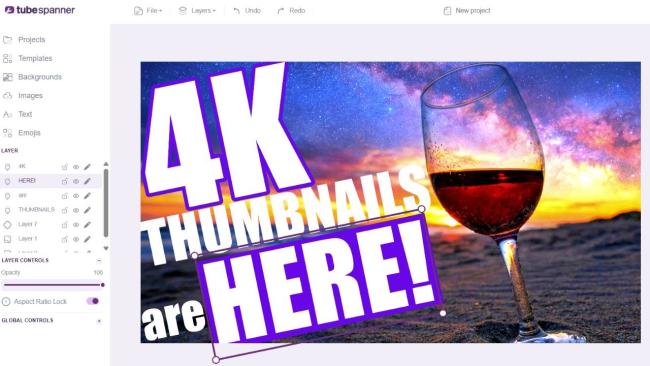
This is the highlight of the TubeSpanner livestream of a free YouTube thumbnail maker that actually helps you get more clicks.

TubeSpanner 4K thumbnail livestream
Ike

Heading
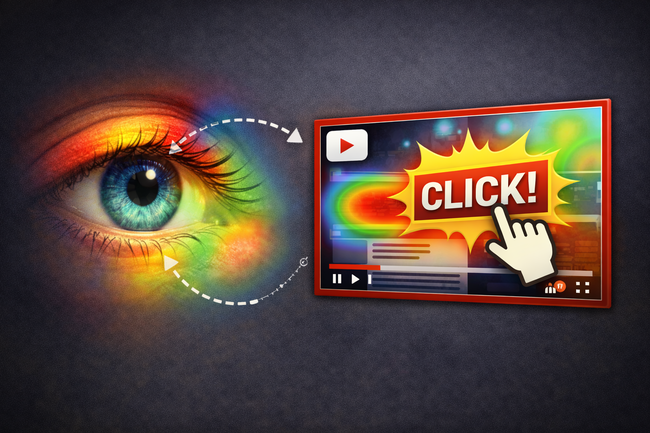
Thumbnails are the first thing people see.

Body

Good news: Millions of people are scrolling through YouTube every single day.
Bad news: There are millions and millions of videos for them to sift through every day.

If your thumbnail doesn't immediately catch the viewer's attention, they're not going to stop for you because they're already onto the next.

Here's what you should and shouldn't do with your thumbnail:

  • Don't overcrowd your thumbnail. If it makes Keep the focal point on one or two person or object. Sometimes, simple is better.
  • Try not to put your thumbnail over a dark background. A vibrant and bright background tend to catch the eye a lot more.
  • Don't answer the question in the thumbnail. Why do would someone need to watch your video if you've already answered the question for them? Enhance the mystery and make them have to click to find out.
  • Don't repeat the title. Although the title and thumbnail work in tandem, they shouldn't be the same. If the text in the thumbnail is the same as the title, remove it.
 

Heading
Building a great thumbnail shouldn't mean learning a new piece of software from scratch.

Bullets Multi

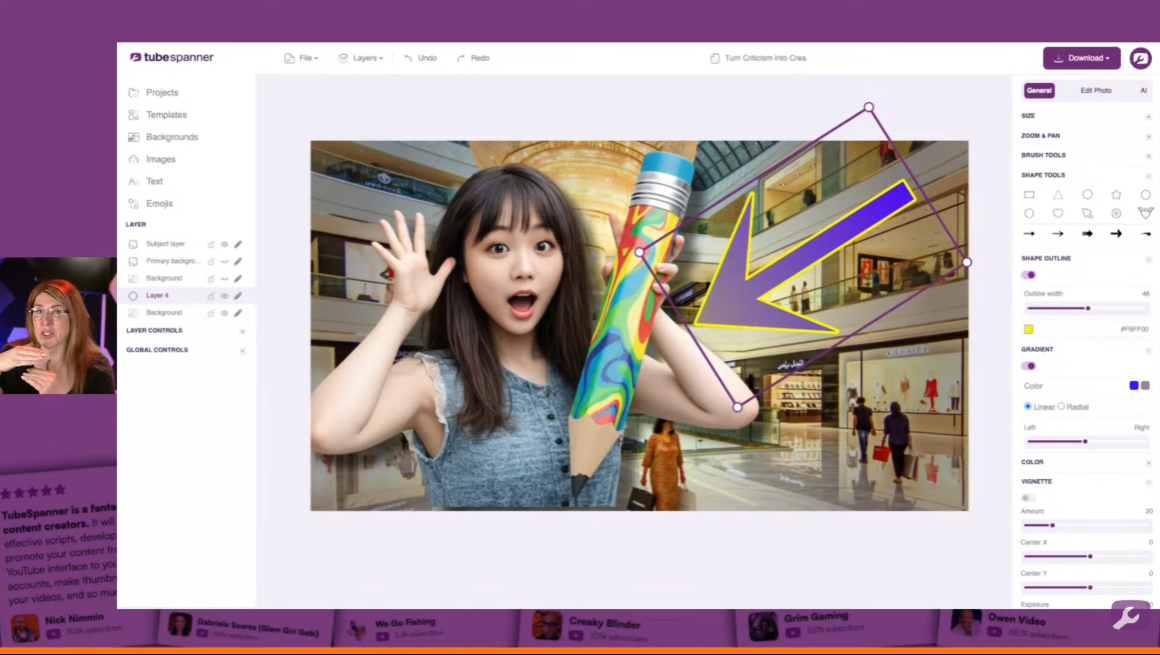
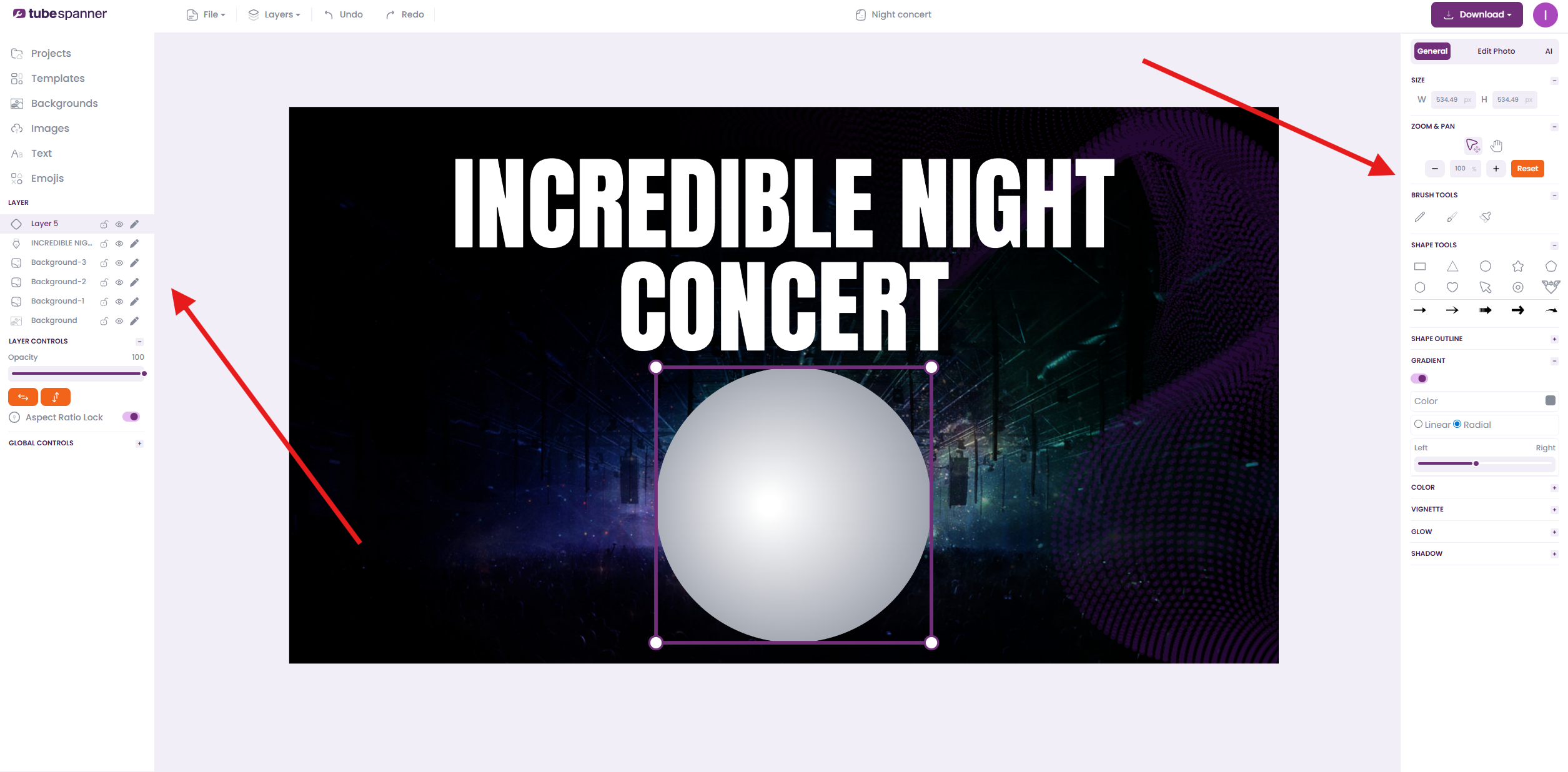
TubeSpanner's thumbnail editor keeps it simple and lets you move fast without losing control.

The old-school tools that actually matter:

  • Layers
  • Text editing
  • Shapes
  • Arrows
  • Gradients
  • Shadows
  • Vignettes
  • Radial fills

These are described as intentionally "old school" because thumbnails need attention-grabbing basics, not complexity.

TubeSpanner Thumbnail Tools


All of this is on the right panel of the editor. You'll notice that not all the features mentioned above will be seen until you click on an asset (like shapes, logos, or the picture of yourself).

Heading
Never need to download overlays or grids for social media again.

Bullets Multi

In other photo editors, you'd often need to download an overlay or a grid to make sure that you're in the safe area of the platform you're making visuals for.

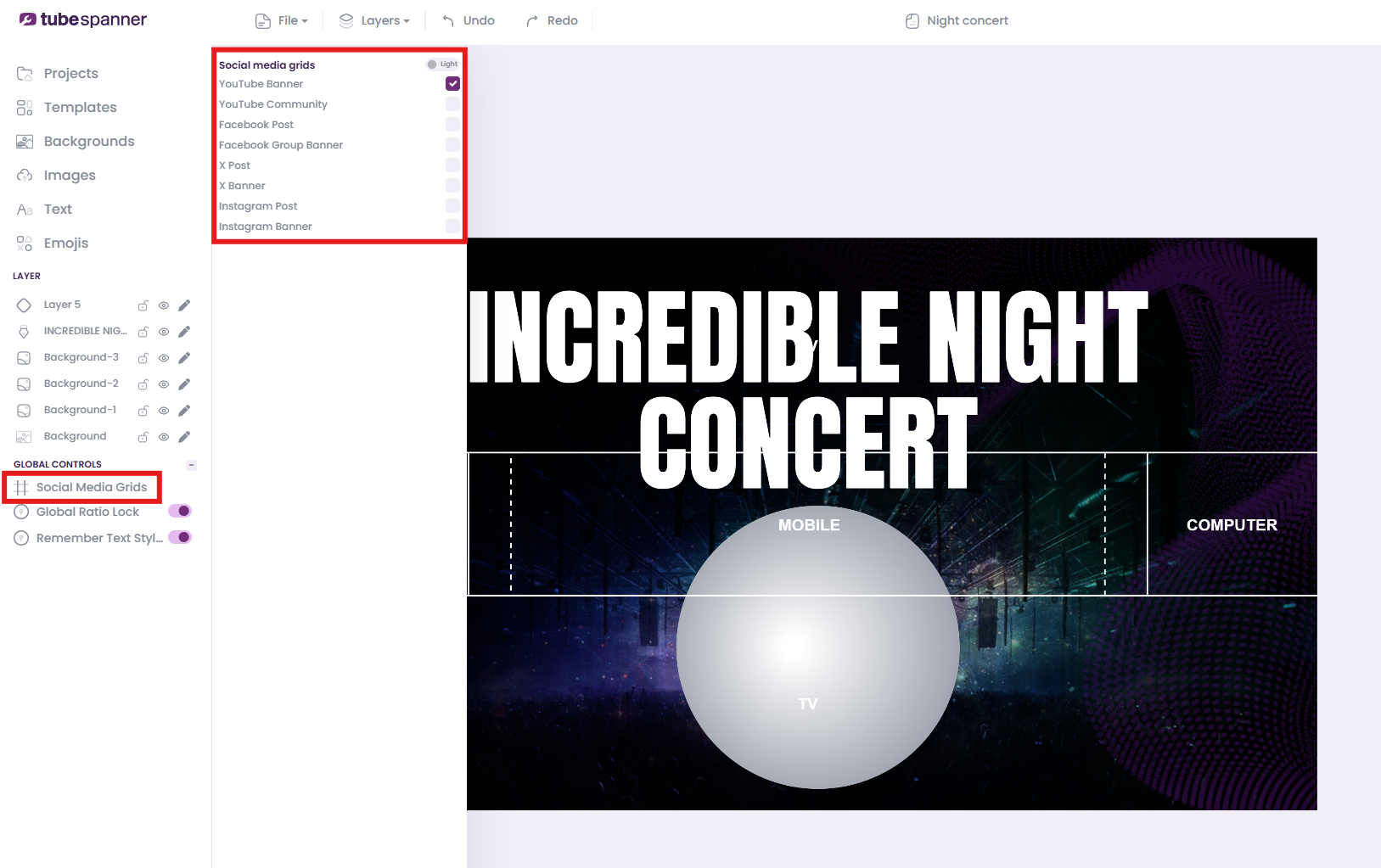
For example, YouTube channel banners have several areas that get cut off depending on whether you're on TV, PC, or mobile. To know the safe area, you'd need to download an overlay and paste it over your creation.

With TubeSpanner, the platform grids and overlays are built-in.

TubeSpanner built-in grid and layout

If you're making visuals for:

  • YouTube banner & community
  • Facebook post & group banner
  • X post & banner
  • Instagram post & banner

TubeSpanner's got you. All you need to do is click on the Global Controls at the bottom of the left panel, then click on Social Media Grids.

Heading
"What is TubeSpanner making a thumbnail tool for?"

Body

There are tons of thumbnail editors out there, both free and paid. But for Danielle, CEO of TubeSpanner, they didn't do what she wanted it to do.

Here is what Danielle said during the livestream: "Don't get me wrong, Photoshop for example, it is an epic tool, but sometimes it [feels] like there's too many things. To be fair, the new Adobe Express, I think that's really good, but I wanted something that took the best of all that and made it easy."

TubeSpanner Danielle showing off the Thumbnail Editor

When you save a thumbnail, you can download it and do anything you like with it. But when it's in TubeSpanner, you can then do automated A/B testing, check them in previews, and so much more.

Heading
The Thumbnail Editor is FREE!

Bullets Multi

Everybody has access to this editor. However, there are limits.

As a free user, you can:

  • create 1 new thumbnail a month
  • only have access to the essential thumbnail templates
  • remove backgrounds 5 times a month

While Core and Pro users:

  • can create 25 thumbnails a month for Core and unlimited thumbnails for Pro
  • both get the advanced thumbnail templates
  • can remove 25 backgrounds a month for Core and unlimited backgrounds for Pro
TubeSpanner Pricing for Thumbnails