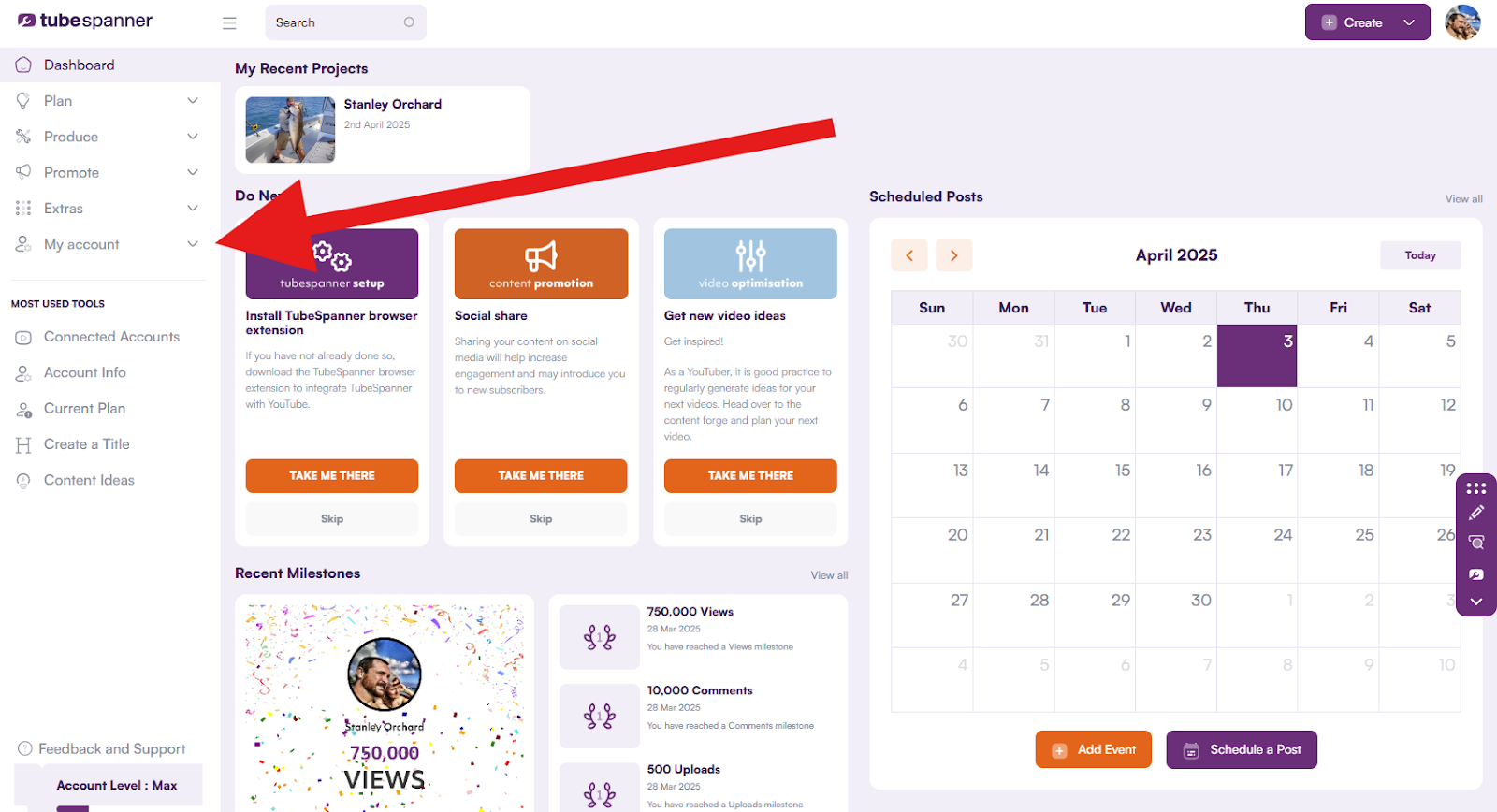
To update your TubeSpanner account information you will first need to login to your account at app.tubespanner.com/dashboard
From the left-hand menu select My account and then click on Account Info:
On this screen you will be able to update/add any account information for your TubeSpanner plan.