Body
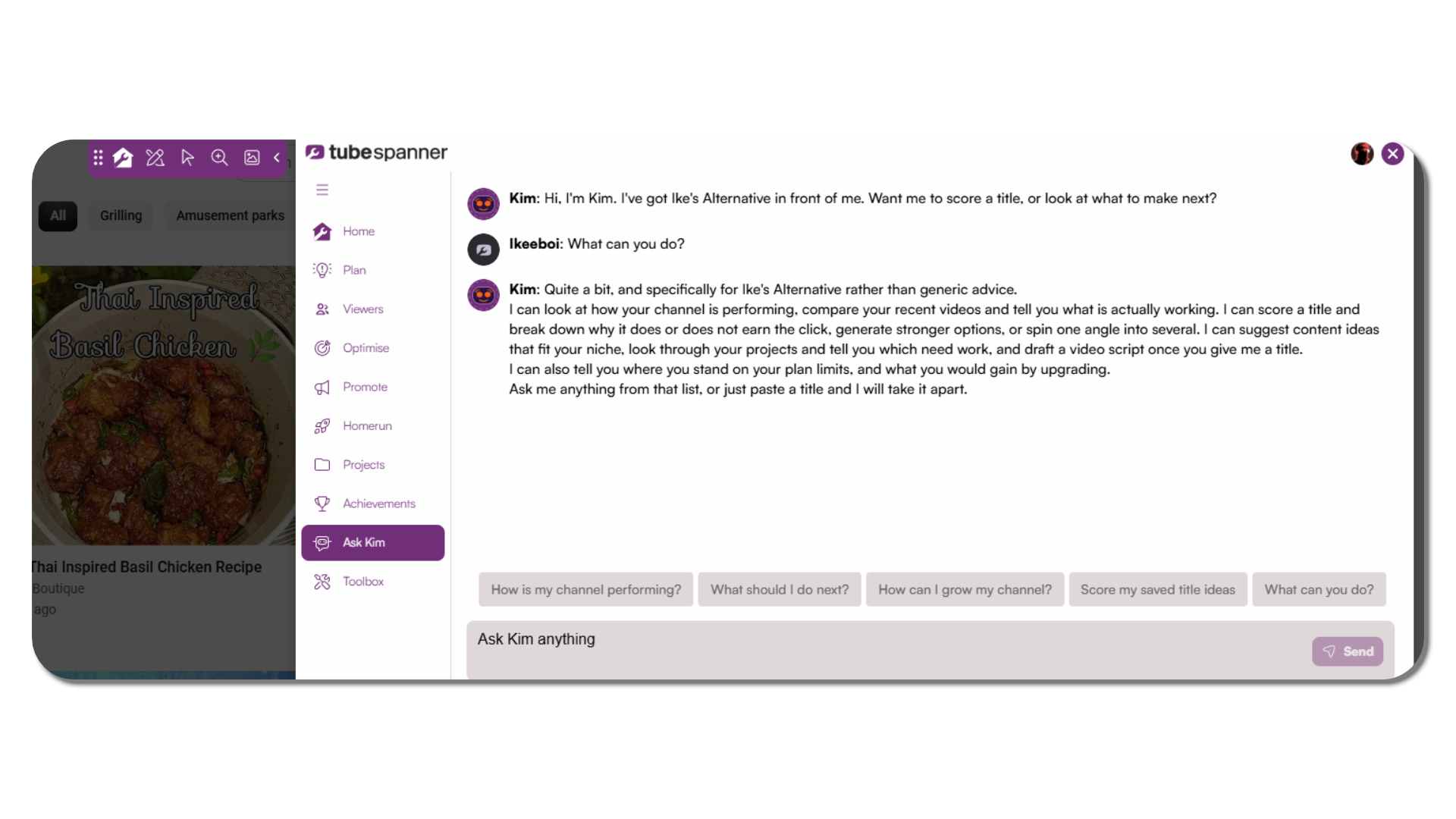
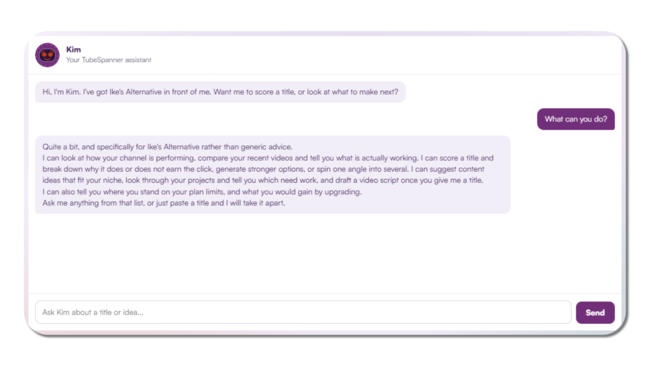
Ask Kim lives in two places: the TubeSpanner dashboard and the browser extension. Wherever you're working, it has your channel's data in front of it and can answer without you switching tabs or repeating yourself.

Most advice about growing a channel is generic. It's written for someone else's audience, someone else's niche, someone else's numbers.
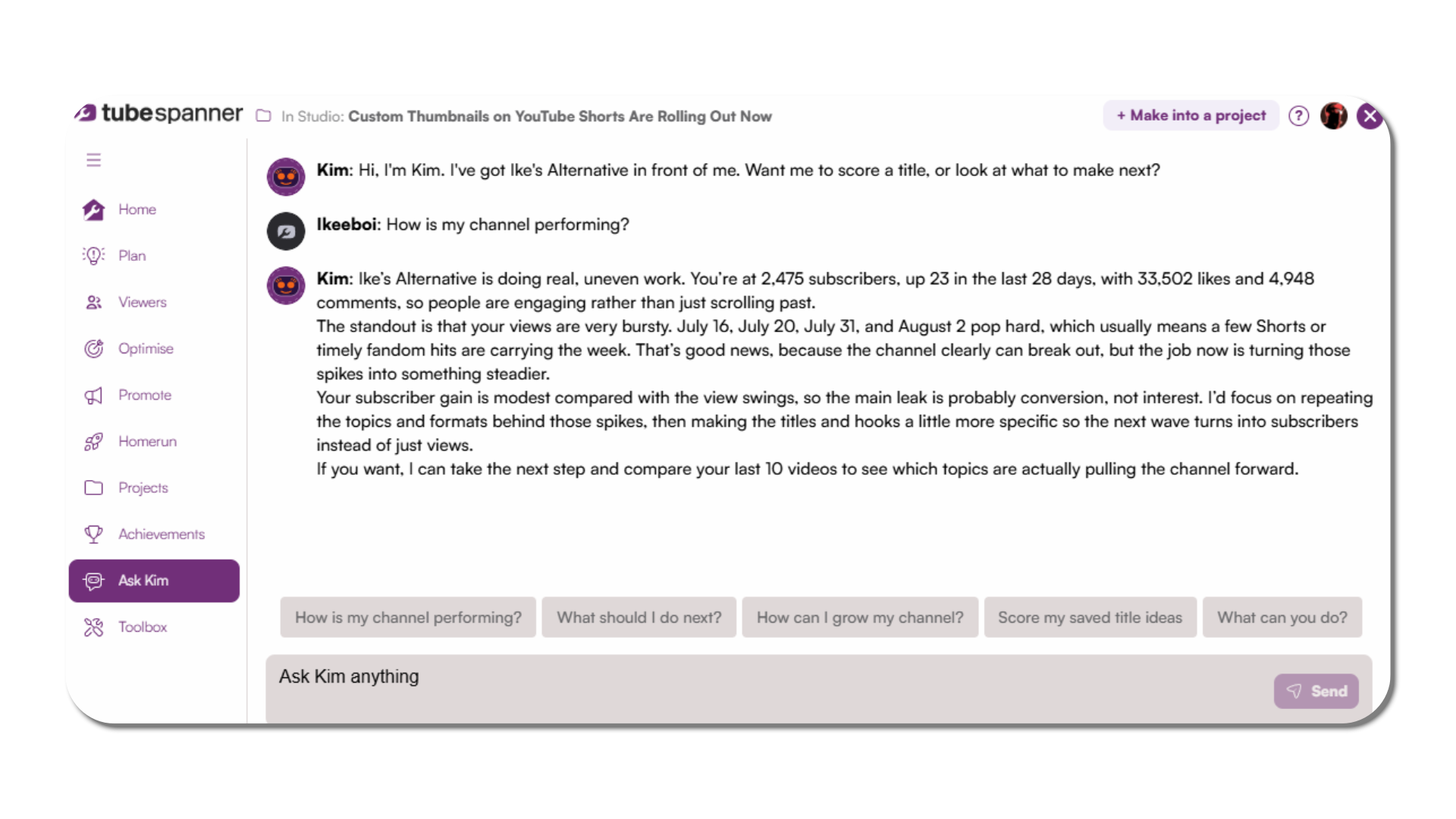
Ask Kim looks at your channel specifically. It has your videos, your projects, and your plan in front of it, and answers from what's actually there instead of guessing.
Ask Kim lives in two places: the TubeSpanner dashboard and the browser extension. Wherever you're working, it has your channel's data in front of it and can answer without you switching tabs or repeating yourself.
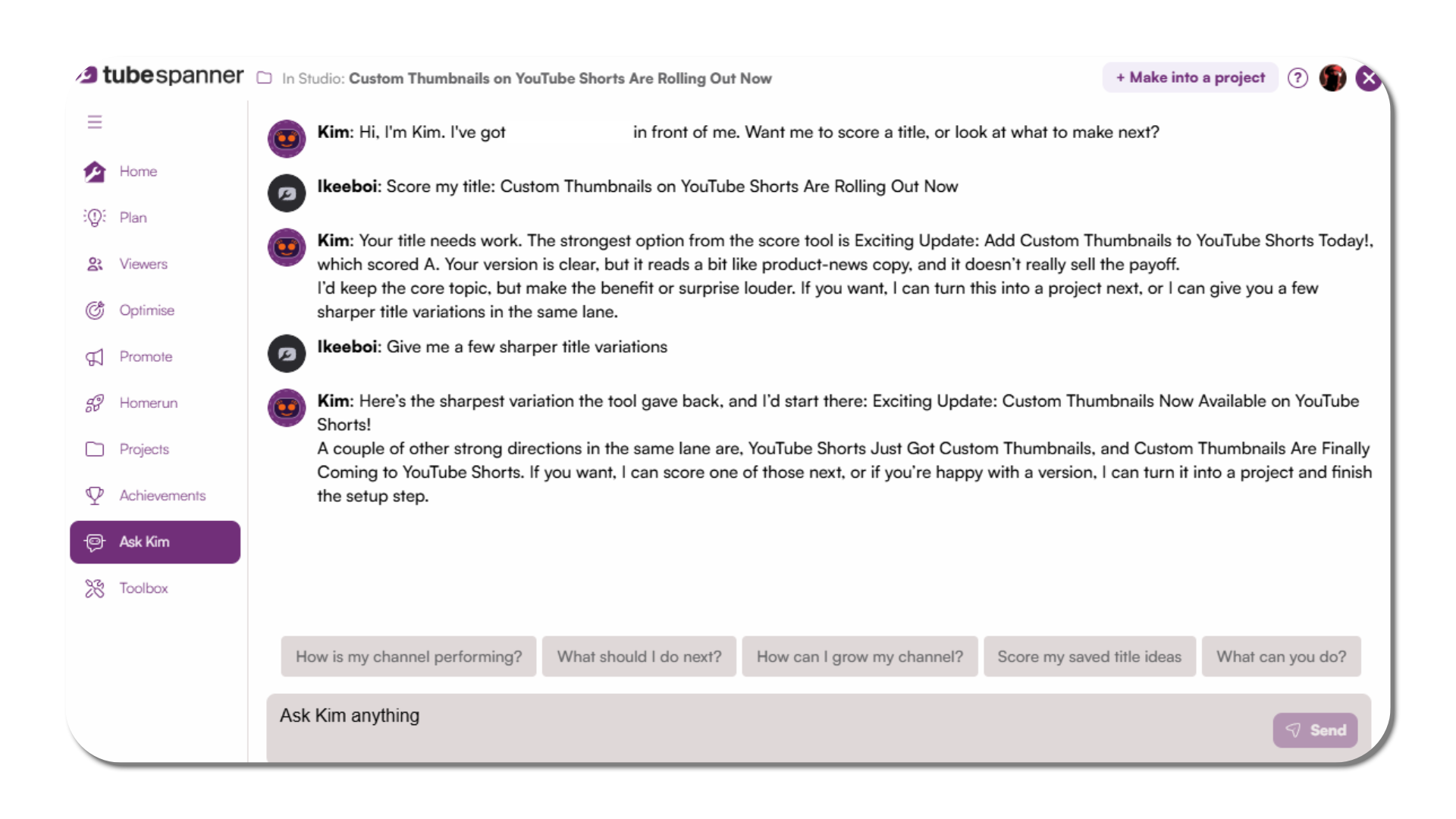
Paste a title and Kim scores it, breaking down why it earns the click or why it doesn't. Ask for stronger options and it generates alternatives, or takes one angle and spins it into several.
| Generic AI chat | Ask Kim |
|---|---|
| Answers from general knowledge | Answers from your channel's actual data |
| No context on your videos | Compares your recent videos directly |
| Same advice for every channel | Suggestions fit your niche |
| Starts from scratch each time | Knows your projects, plan, and limits |
Ask what's working, and Kim compares your recent videos and tells you. Ask what to make next, and it suggests ideas that fit your niche. Give it a title, and it can draft a script from there.

Ask Kim doesn't publish, apply, or change anything on its own. It answers questions and makes suggestions — what you do with them is up to you.
Open the dashboard or the extension and ask about your channel directly.